
Affordable AI virtual staging
Realistic listing photos. Remarkably low staging costs.
Bring an empty listing photo to life with realistic virtual furniture and decor, in a style you choose. QuickStage gives real-estate agents and photographers AI virtual staging from about $0.11 per photo on Agency annual when all monthly credits are used.
Upload a photo of your real room, connect your account, and confirm the staging request in ChatGPT. QuickStage works from your property photo; it does not invent a room from text alone. Codex support has not yet been verified.
See what QuickStage can do
Explore four examples from our gallery. Drag the divider to compare each empty room with its virtually staged result.
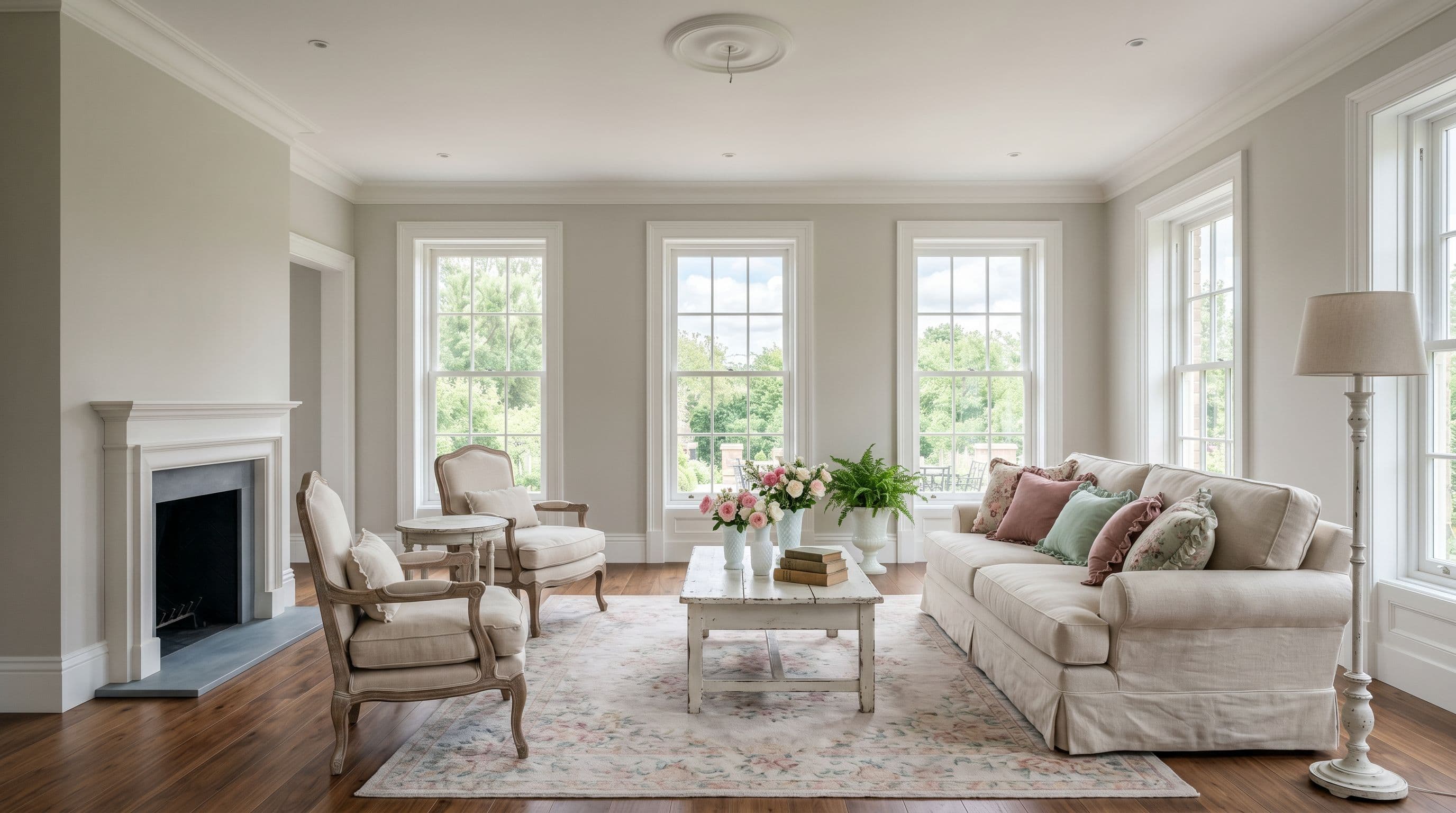
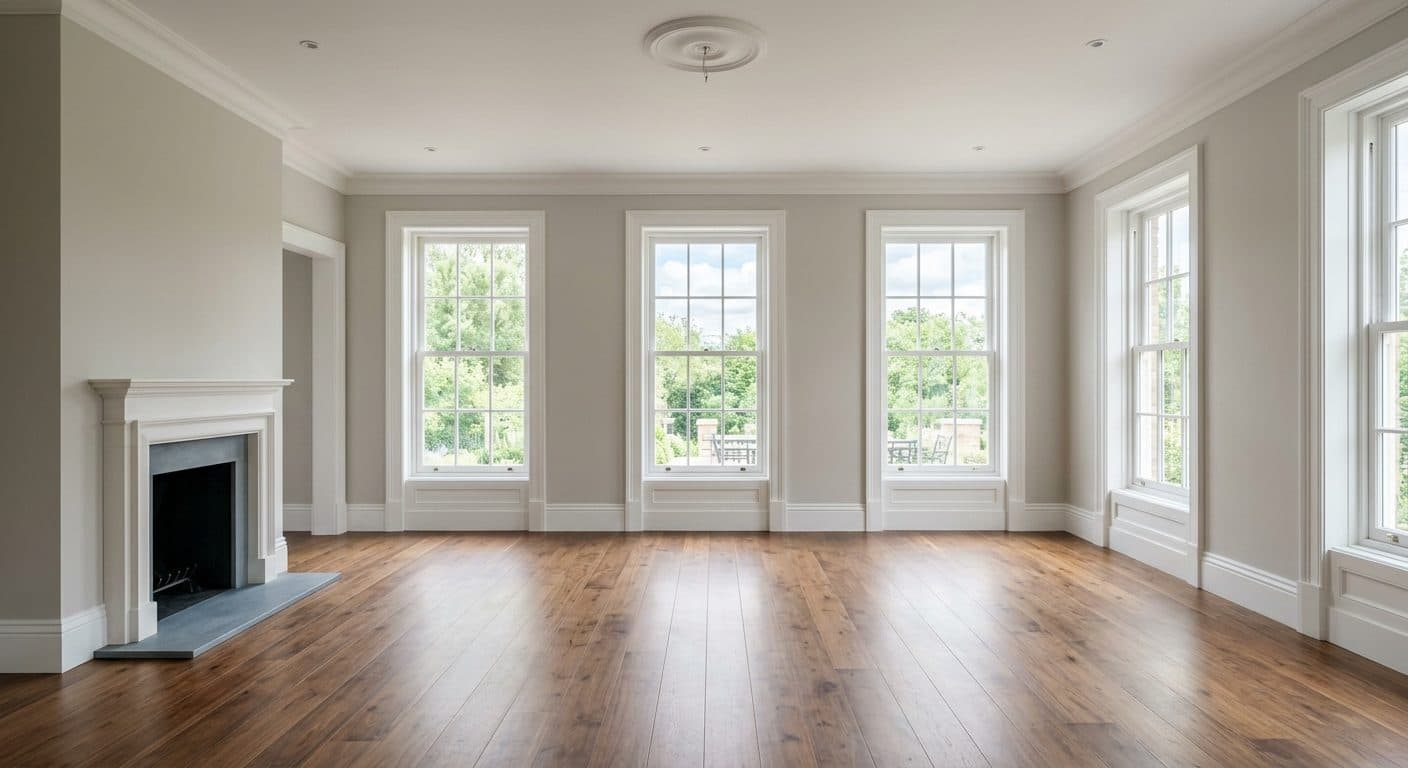
Real results · no retouching · no Photoshop · generated by QuickStage AI
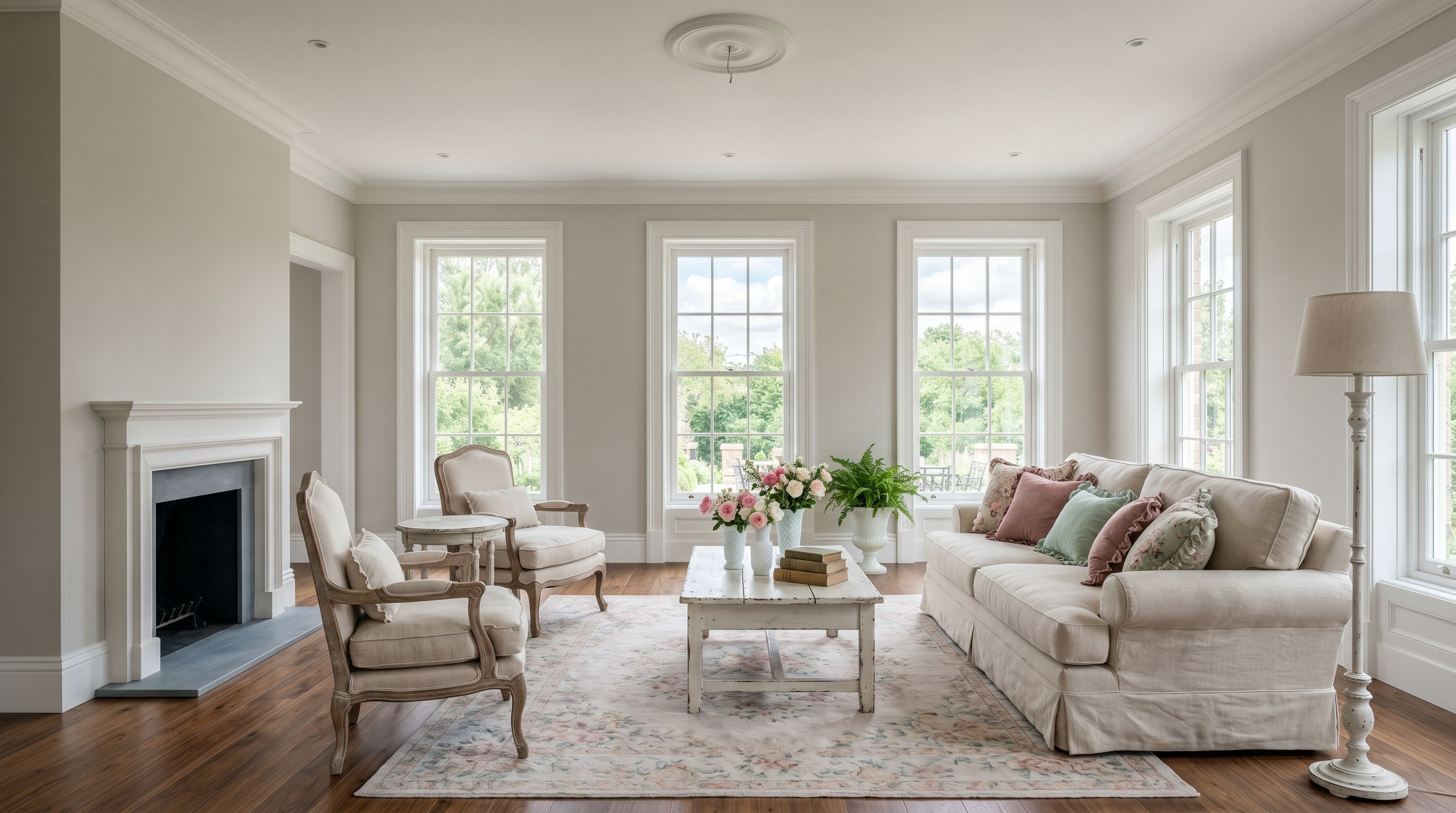
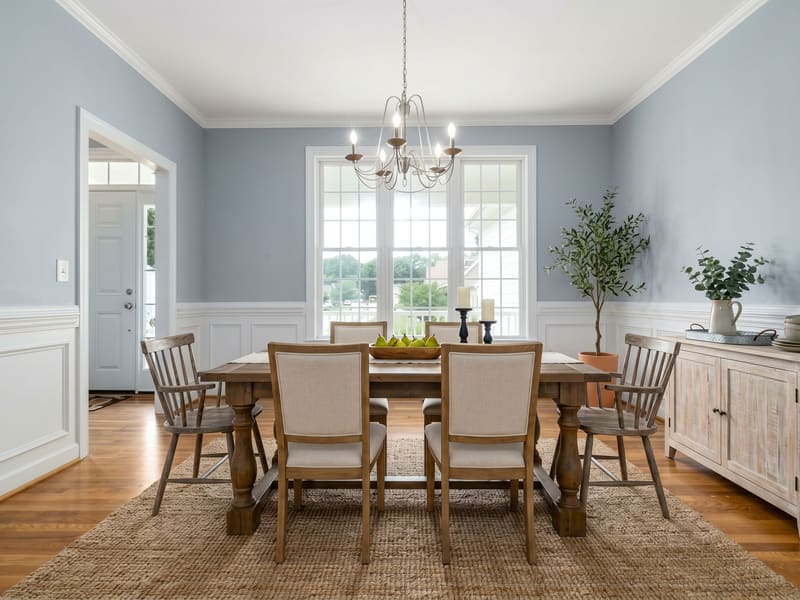
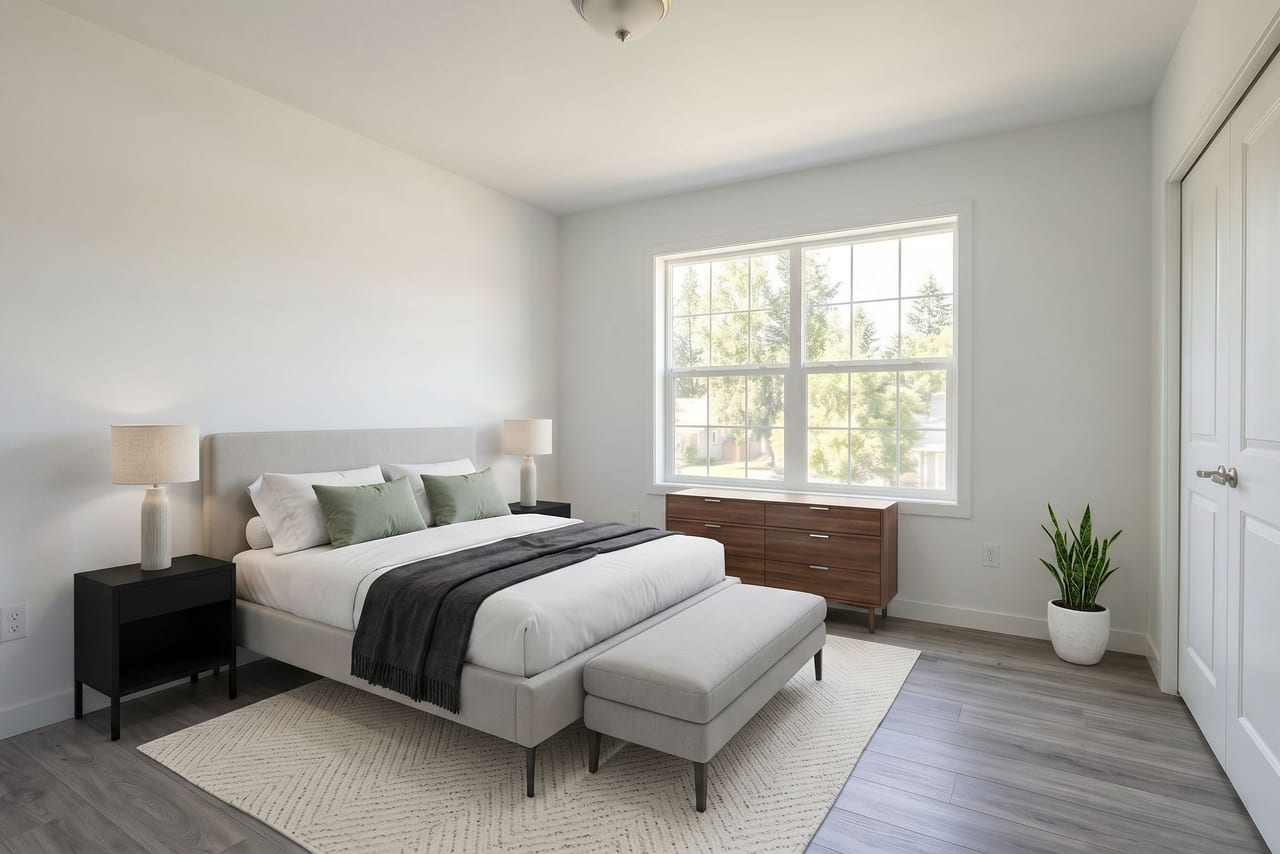
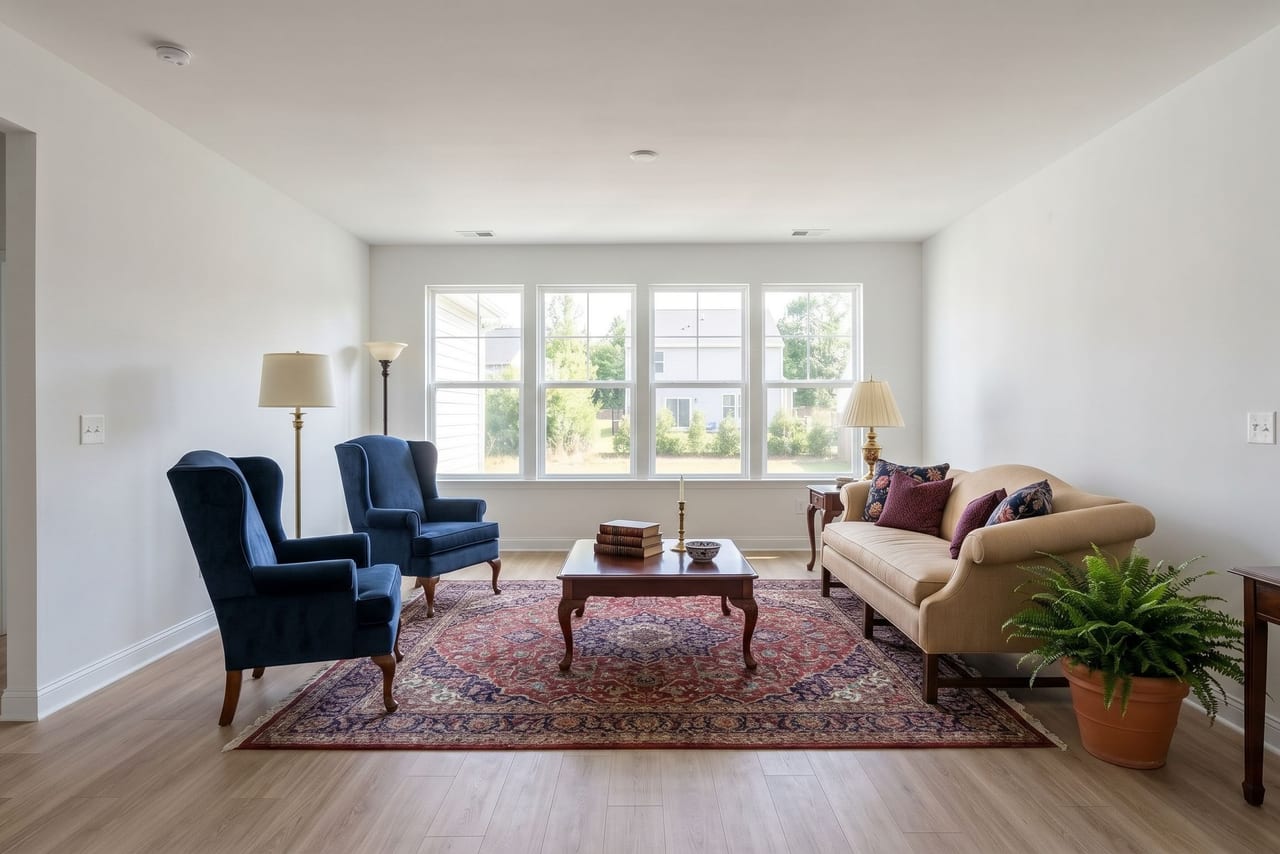
Select a thumbnail to open the full-size staged example.
Compare the cheapest virtual staging options
Make the cost per photo part of the comparison. QuickStage's Agency annual plan is $1,999 per year for 1,500 staging credits each month, equivalent to about $0.11 per photo at full monthly use. This is a volume subscription rate, not a single-photo price. Credits refresh monthly and unused credits do not roll over; using fewer photos raises the effective cost.
Compare billing commitments, included photos and correction allowances as well as the headline rate. QuickStage combines a low staging cost with realistic furniture, a choice of styles, downloadable results and plain-language QuickFix corrections. Review the output against your original to judge the quality for your listing.
This integration uses existing eligible account allowance. It does not sell credits or subscriptions, open checkout, or use separate pay-as-you-go credits.
How it works
- Connect your account. Start the connection from ChatGPT. QuickStage asks you to verify your email and review the requested access. If you are new, account setup is completed there.
- Choose one photo and a style. Use a room photo you own or are authorized to have staged. Empty rooms give the best results. The integration can tell you which room types and styles it supports.
- Review and confirm. Your agent summarizes the selected photo, room type, style and one-credit cost before staging. Confirm those choices and the use of one staging credit from your existing allowance. Checking your account, available styles, or an existing job does not start a new staging request.
- Retrieve and review your result. Generation may take time. Keep the job reference so you can ask for its status and completed image.
Start with an empty room for the best results
QuickStage is designed to furnish vacant rooms. Furnished photos can still be staged, but existing furniture or decor may change; empty-room photos generally give cleaner, more accurate results. If you stage separate angles of the same room, the furniture may differ between images. Your selected room type and style guide the result, which can still contain AI errors.
Before generation, review the photo and choices your agent summarizes. For exteriors, use only the treatments returned by the supported catalog, such as Curb Appeal.
Use QuickFix by describing what looks wrong
You do not need special prompts or a job number when the photo is already clear from your conversation. Try:
- “The added sofa is too large. Make it smaller and keep the same style.”
- “Move the added plant away from the doorway.”
- “Remove the picture the AI placed over the window.”
Your agent identifies the completed photo, clarifies anything unclear, and asks you to confirm one QuickFix and zero staging credits. QuickFix reuses the original photo and selected style to correct a furnishing issue. Check the replacement before using it: other generated details can change too.
QuickFix uses the separate balance shared with your website account. If you originally staged the photo on the QuickStage website, request its correction there. A different photo or furniture style is a new staging request using one separately confirmed staging credit.
Before you share a staged photo
Virtual staging adds AI-generated furnishings and décor. Review the result against your original photo before using it in a listing. AI can introduce errors; QuickStage does not certify a photo as accurate or compliant with your MLS. Disclose virtual staging as required by your listing rules.
Your photos and your account
QuickStage processes the photo you submit using its image-processing and storage providers. Read the integration privacy information before connecting or uploading. For account and connection help, visit support.